Registration Instructions for the App and Matchmaking

Register for the event through the app or the website to begin scheduling meetings during the fair using this guide.

Download our official App


1 . Download
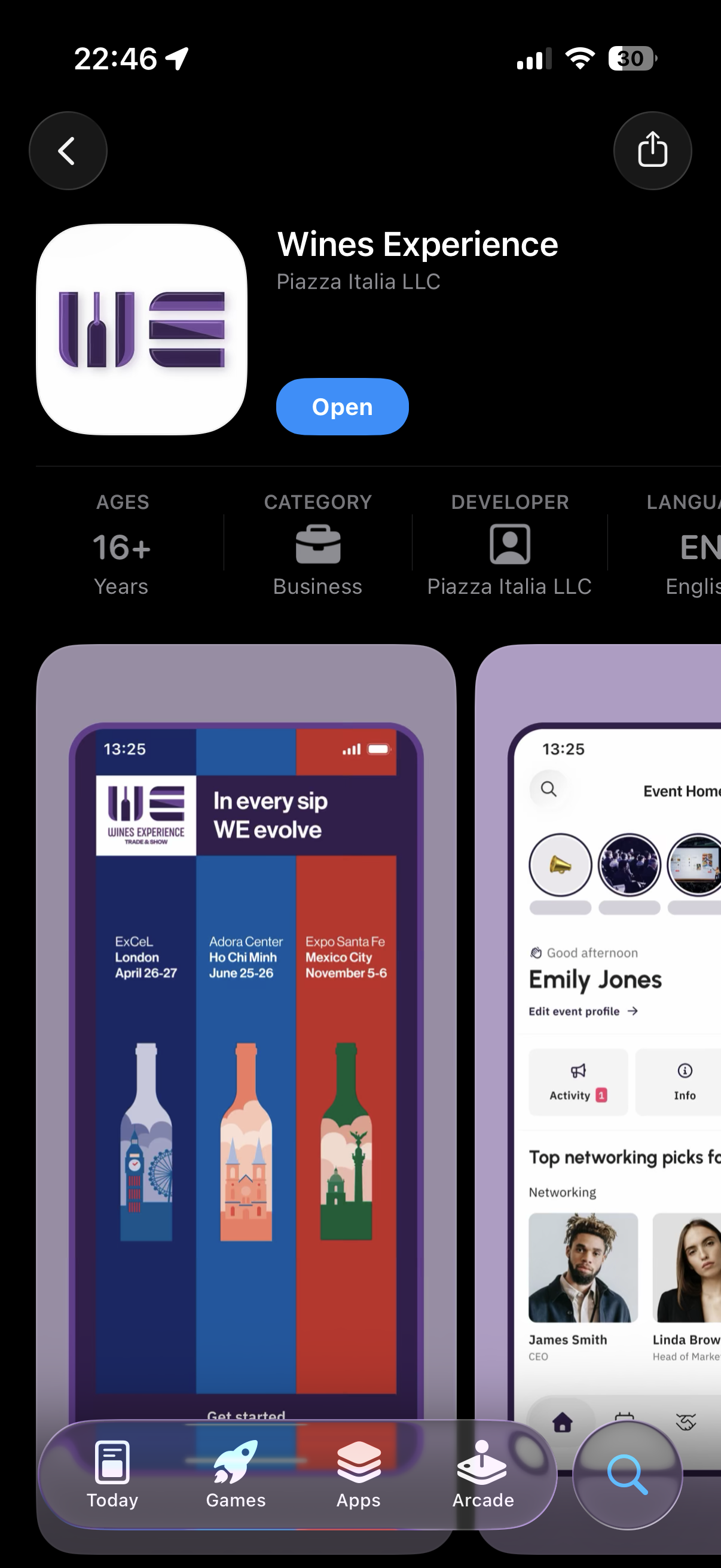
Screenshot of a smartphone app for Wines Experience, showing event information, user profile, and navigation buttons at the bottom.

Download and Insdtall “Wines Experience” app from Apple Store or Google Play Store.


2 . Registration
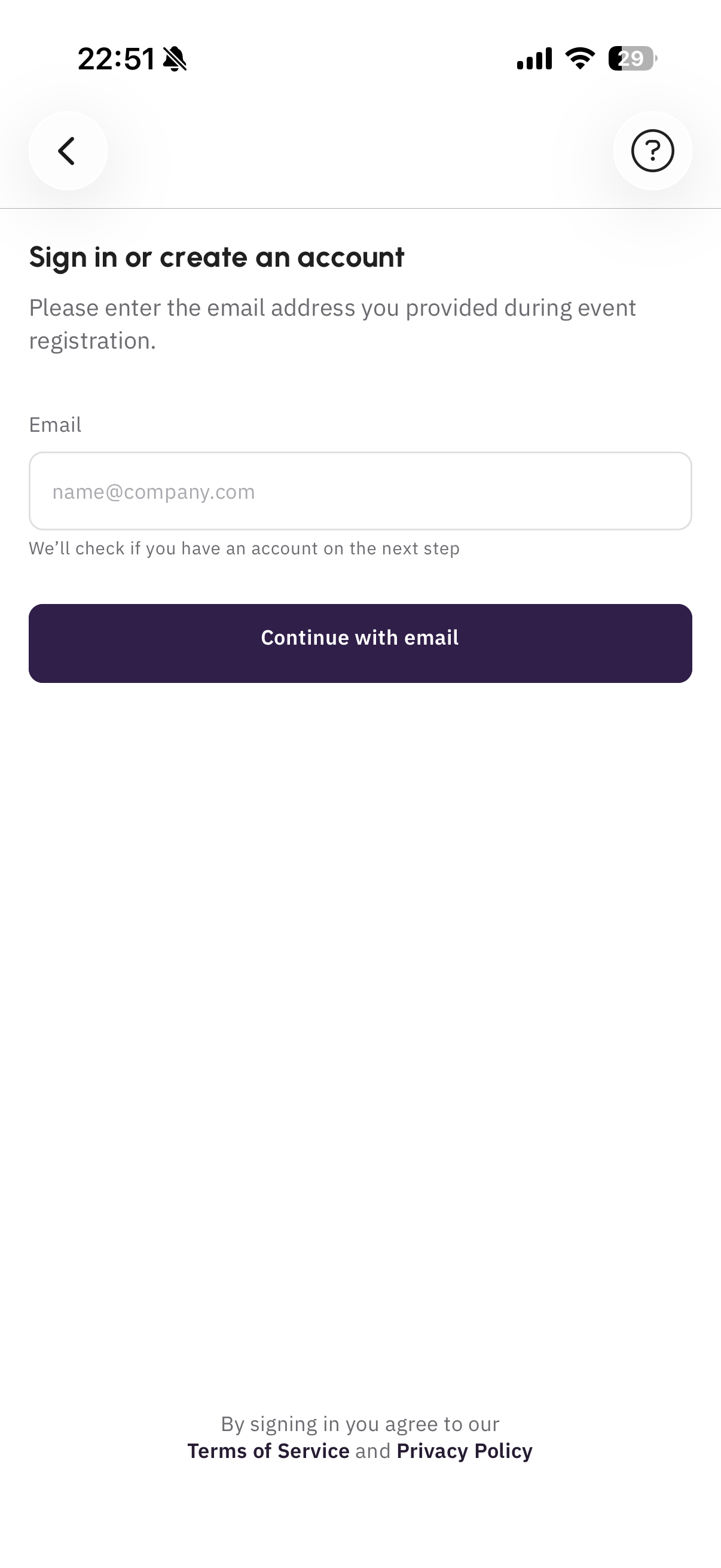
Mobile phone screen showing a sign-in or account creation page with a form for email address and a 'Continue with email' button, with terms of service and privacy policy links at the bottom.

Start the registration process using your professional email address.
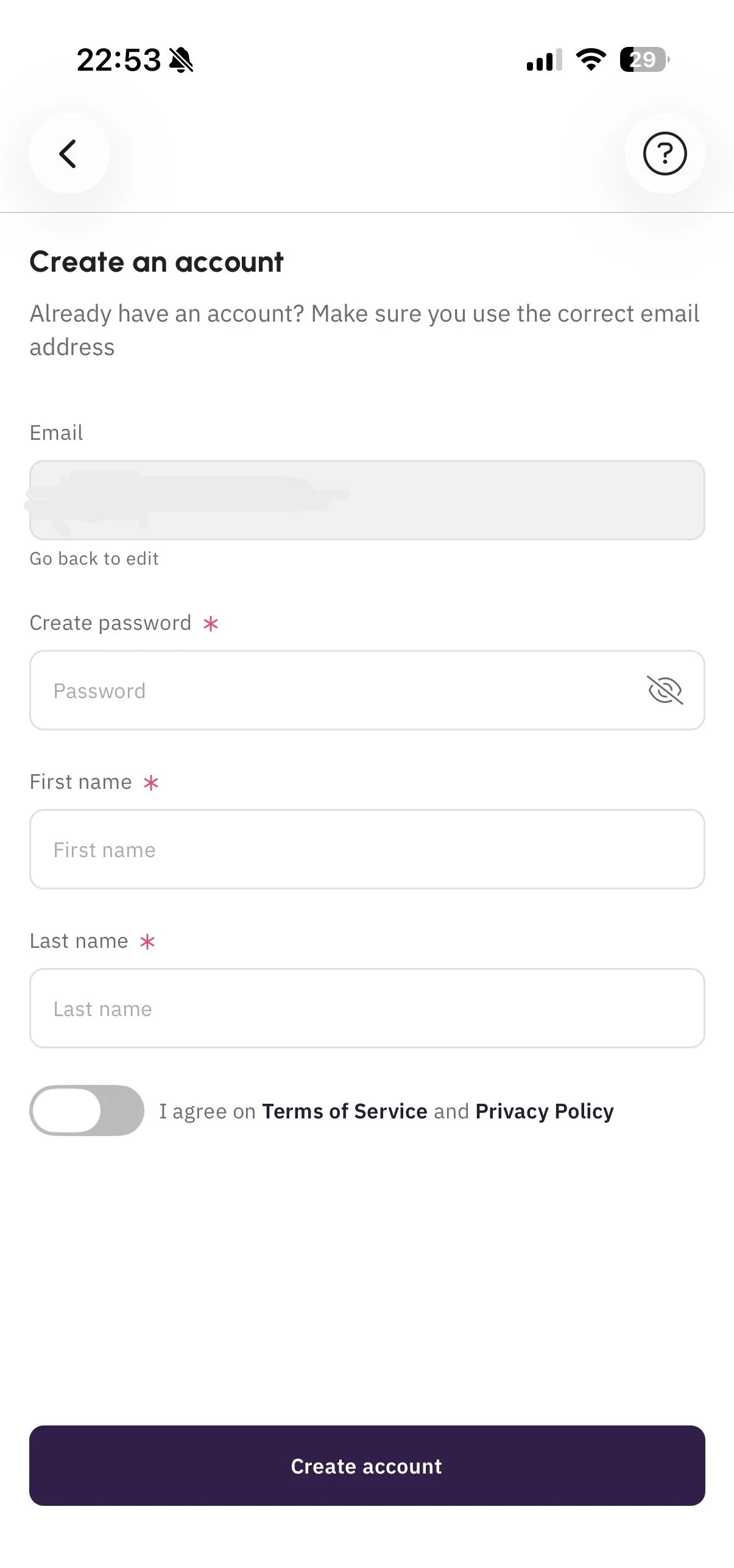

Mobile app screen for creating an account with fields for email, password, first name, and last name, and a toggle switch for agreeing to terms of service and privacy policy.

Complete your profile as thoroughly as possible before proceeding. This information will be visible to other users.

3 . Join the Event
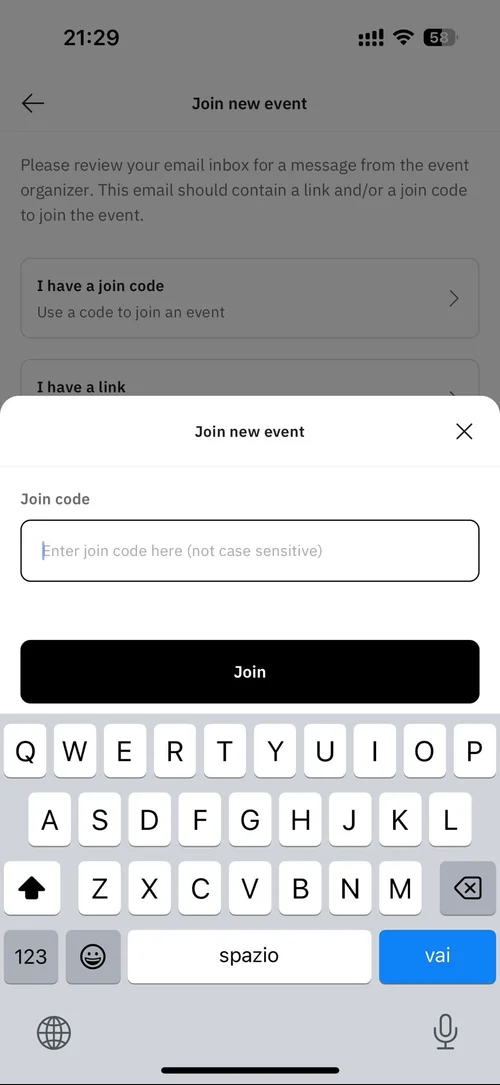
Mobile phone screen showing a 'Join new event' prompt with input field for a join code and a 'Join' button, part of an app interface for joining virtual events.

Set up your Profile

Follow the steps in the images and enter the code received in the email to join the event.
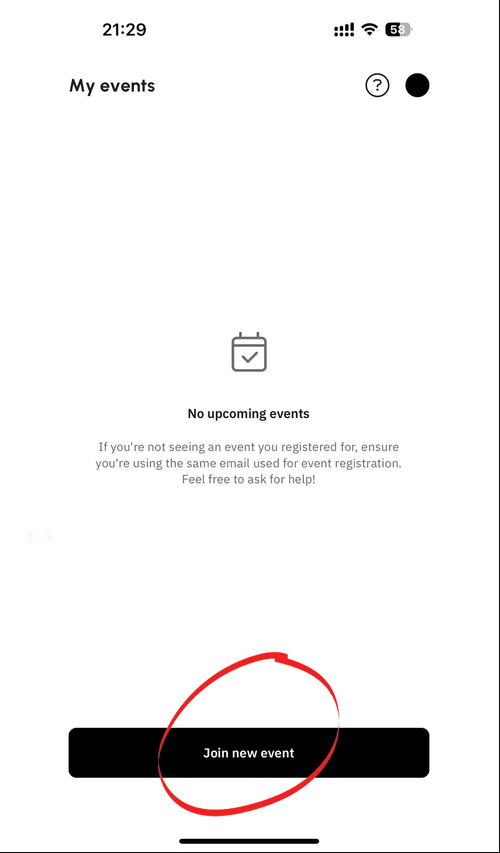
Mobile app screen showing 'My events' with no upcoming events and a black button labeled 'Join new event'.

1 . Profile informations

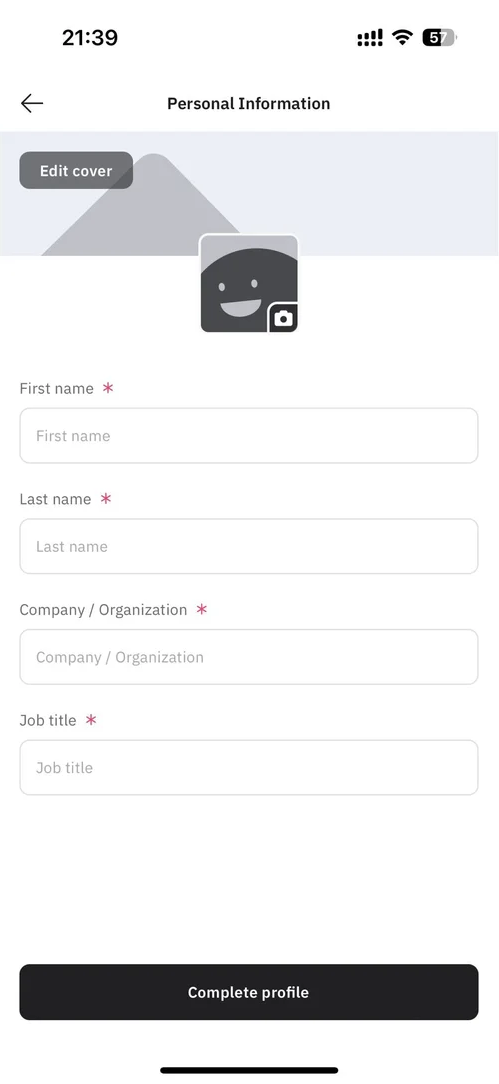
Screenshot of a mobile app form titled 'Personal Information', with fields for first name, last name, company/organization, and job title, and an option to edit cover photo featuring a gray mountain and a smiling, waving square icon with a camera symbol.

Insert your informations in this section


2. Select your interests
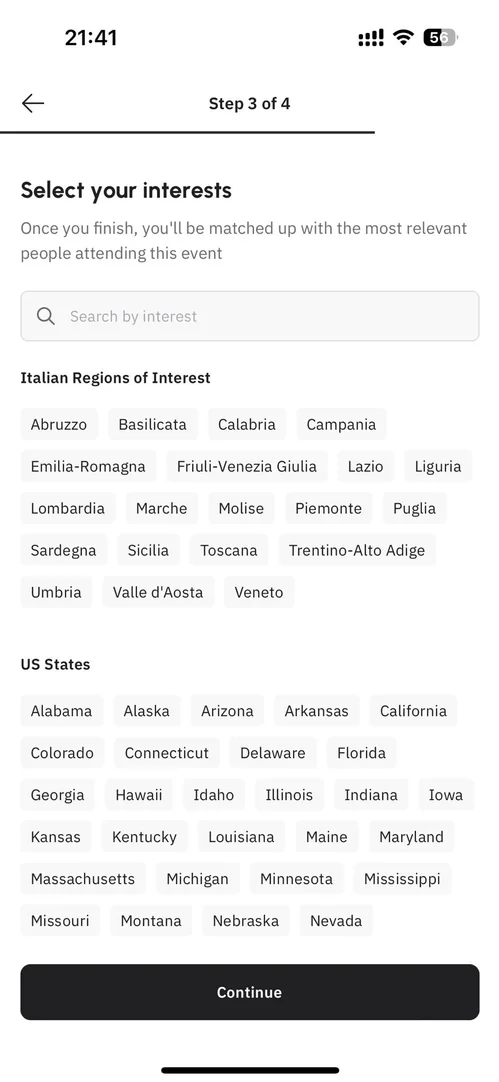
A mobile phone screen displaying a step in an event registration process where users select their interests, including Italian regions like Abruzzo and Lazio, and U.S. states such as California and Texas, with a 'Continue' button at the bottom.

Select the regions and wine varieties that you will exhibit at the Expo or that you’re looking to discover

App Registration
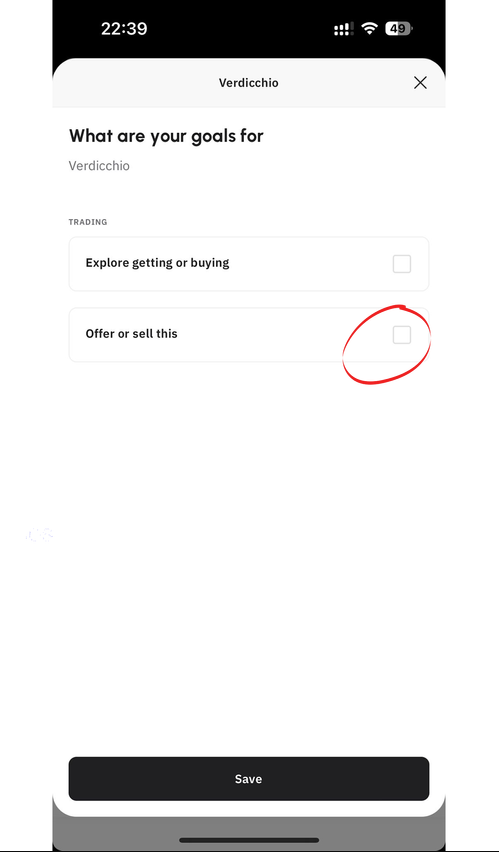

Mobile app screen showing user's goals for Verdicchio water with options to select 'Explore getting or buying' or 'Offer or sell this' and a save button at the bottom.

Specify if you are looking to sell products or to explore/buy them in the selected categories by clicking on “offer or sell this.” This step is essential for good matchmaking with buyers.
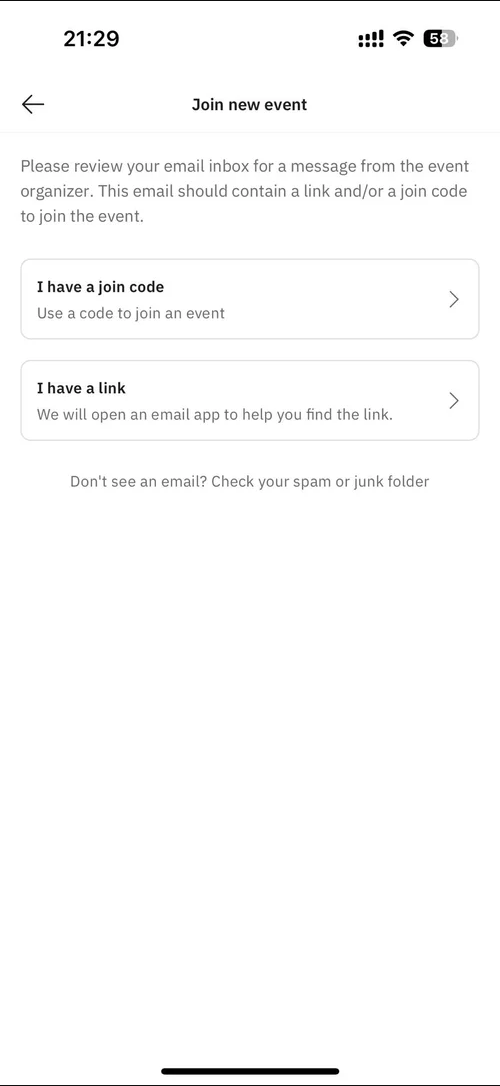
Screen showing options to join a new event via a join code or link, with instructions to check spam folder if email not received.